
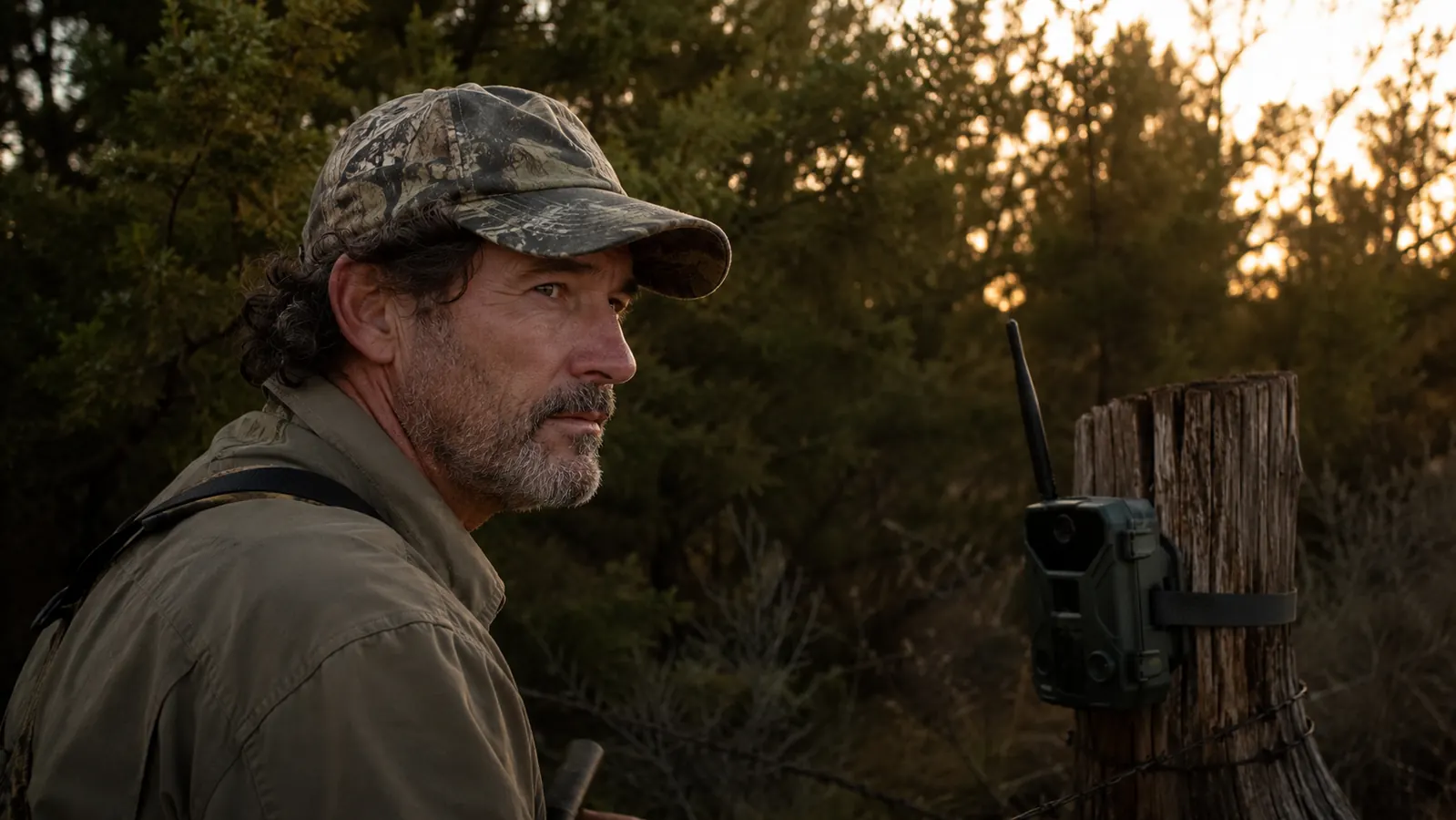
Nobody tells you the WiFi range on a trail camera is basically a suggestion. I found that out the hard way about three weeks after I hung my first GardePro E6 on a cedar post at the back of my property outside Pawhuska. The box says stable WiFi with an external antenna. What it doesn't say is that stable means something different once you've got two fence lines and a stand of blackjack oaks between you and the camera.
I'm Cole Merrick. I've been running trail cameras on my own ground and a buddy's lease for going on eight years now, everything from cheap $40 units to a couple Reconyx cameras I bought used off a guy retiring from guiding. The GardePro E6 sits in the middle of that price range, and I want to walk you through what actually happens when you use one, not what the Amazon listing promises. This isn't going to be a five-star love letter. It's a rundown of the good, the annoying, and the stuff that'll trip you up if nobody warns you first.
The Quick Verdict
Solid daytime photos and honest no-glow night vision at a fair price, but the WiFi range is short, false triggers are common in brush, and cold weather eats batteries fast.
Amazon Check Today's Price →Skip the guesswork. See today's price on the camera I'm about to pick apart.
I'm going to give you the good, the bad, and the annoying. If you decide it's still worth it after reading this, here's where to check current availability and price.
Amazon Check Today's Price on Amazon →How I've Used It
I bought my first GardePro E6 back in September, then picked up two more once I saw how the first one held up through a wet fall. I've had them mounted in three different spots since, a fence line bordering a cut wheat field, a tight funnel between two brush piles on a buddy's forty acres, and a feeder site out behind my shop. That's given me a decent spread of conditions, open ground, thick brush, and a mix of warm early fall days down to real cold snaps in December and January.
I check these cameras the way most guys around here actually do it, on foot, once every week or two, sometimes more if I'm running trail cams during the rut. I'm not a gear reviewer testing units in a lab. I'm a guy who wants to know what's crossing my property before I sit a stand, and I've had plenty of time to find out where this camera holds up and where it doesn't.
The WiFi Range Thing Nobody Mentions
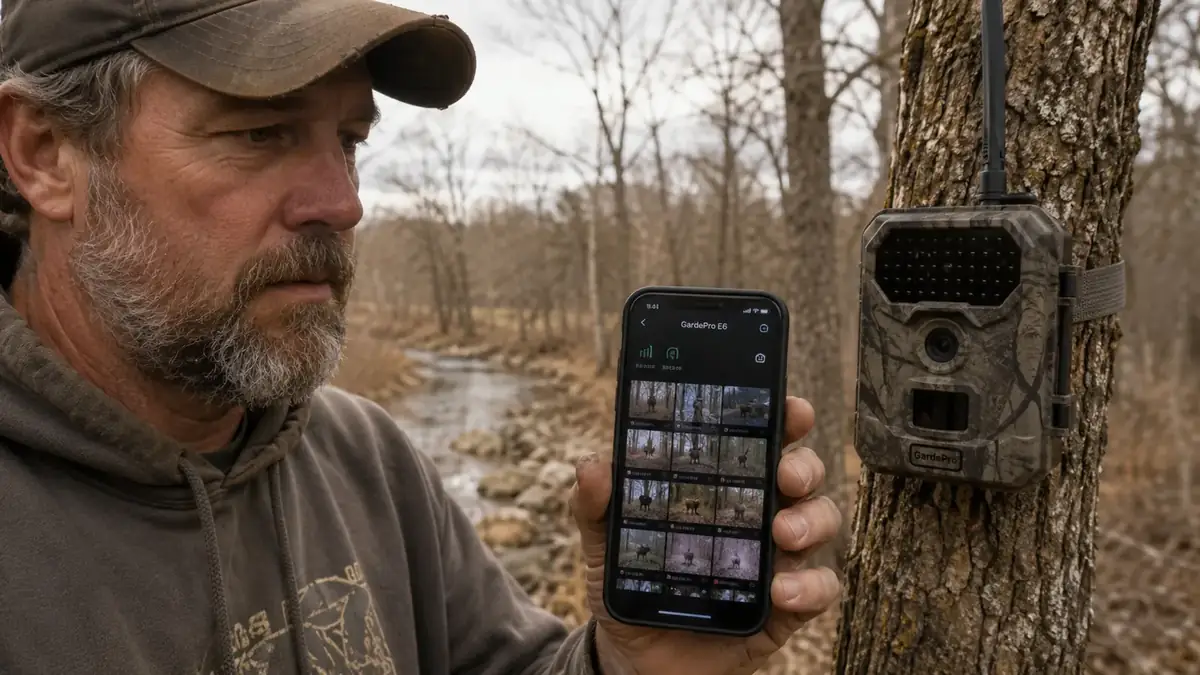
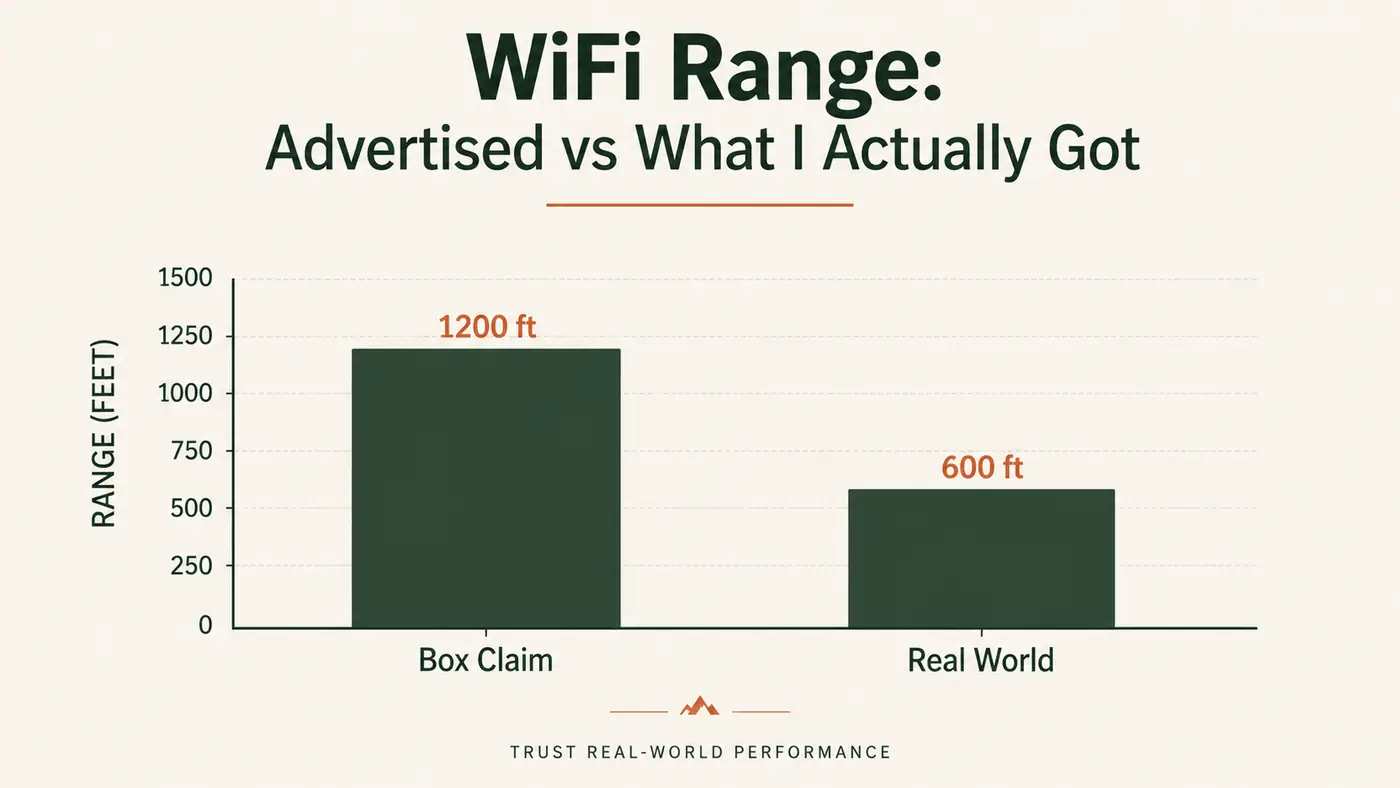
Here's the number one thing people get wrong before they buy this camera. The GardePro E6 is a WiFi camera, not a cellular camera. There's no SIM card, no data plan, no photos landing on your phone while you're at work. The app connects directly to the camera over its own local WiFi signal, and that signal has a real, hard limit. GardePro doesn't hide this in fine print, but the marketing photos make it look like you're checking pics from your recliner. You are not.
In open country, standing in a mowed hayfield with nothing between me and the camera, I could pull a connection from about 90 to 100 feet away. That's genuinely useful for a lot of setups, feeders, gates, driveways. But move into actual timber, and I lost the signal at closer to 40 feet, sometimes less if the camera was angled wrong or the antenna got knocked slightly askew by a low branch. If your plan is to sit in a truck at the end of the driveway and pull pictures off a camera 200 yards down the tree line, that is not what this camera does. That's a cellular camera's job, and cellular cameras cost two to three times as much plus a monthly data fee.
I made the mistake of assuming otherwise on my first setup. I mounted the E6 about 70 yards down a fence row from where I usually park, figuring the external antenna would bridge the gap the way a home WiFi router might. It didn't. I stood at my truck for a solid five minutes watching the app spin on 'connecting' before I gave up and walked the whole way down. That walk, in November, in the cold, taught me more about this camera than the manual did.
Once I reset my expectations to on-site viewing, walk up close, pull your phone out, grab your photos, delete off the card if you want, the camera made a lot more sense. It's a convenience camera for close-range spots, not a remote monitoring system for the back forty. If that matches how you actually hunt or manage your land, great. If it doesn't, you'll be frustrated inside the first week.
Image Quality: Good in Daylight, Rougher at Night
The listing advertises 64MP through interpolation, and daytime photos genuinely look sharp on a phone screen. I've got shots of a coyote crossing a cut wheat field at 2 in the afternoon that are crisp enough to count individual guard hairs. Color rendering in good light is honestly better than I expected for the price point, and I've been able to tell does from yearling bucks at a decent distance without squinting at the screen.
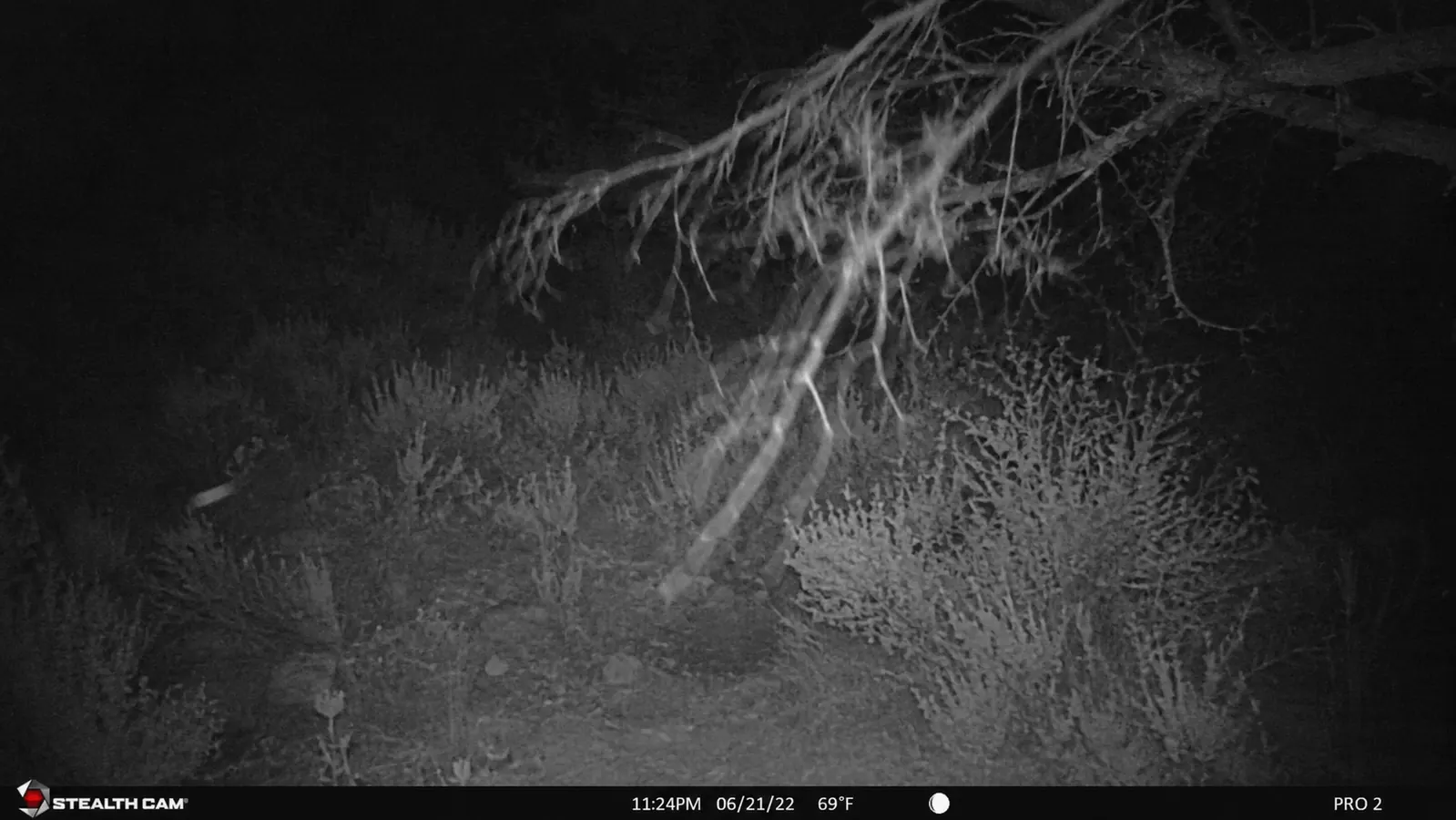
Night photos are a different story. The no-glow infrared keeps you from spooking deer with a red flash, which matters if you're patterning a mature buck that's already educated. But the tradeoff is range and clarity. Anything past about 45 feet at night comes back grainy, sometimes with enough motion blur on a trotting animal that you can tell it's a deer but you couldn't swear to antler count. If you're set up over a feeder or a tight funnel where animals pass within 20 to 30 feet, you'll get usable night shots. If you're covering a wide field edge, don't expect trophy-quality nighttime detail.
I've also noticed the camera struggles a bit with high-contrast scenes, a deer stepping out of dark timber into a moonlit clearing tends to wash out slightly on the bright side of the frame. It's not a dealbreaker, but it's the kind of thing you notice once you've reviewed a few hundred photos and start comparing them against cameras twice the price.
The Trigger Speed Question
GardePro lists trigger speed around 0.3 seconds, and in my testing that's roughly accurate for anything moving at a normal walking pace. Where it struggles is fast crossing shots, deer trotting or running broadside close to the lens. I've got a handful of photos where the animal is already half out of frame. It's not a dealbreaker, but if your spot gets a lot of quick crossing traffic rather than animals lingering to feed, you'll miss some frames entirely.
False Triggers Are More Common Than I Expected
This is the part that annoyed me most, and it's the kind of thing you only learn after living with a camera through a few windy weeks. I set the E6 up in late October along a fence line with some scrub brush and a couple of scrubby elm saplings in the detection zone. Over one particularly windy stretch, I pulled close to 140 photos in four days, and maybe 30 of them had an actual animal in the frame. The rest were empty shots of swaying branches and shifting shadows.
Clearing brush out of the detection cone helped a lot. Once I cut back the saplings and angled the camera away from the fence line grass, false triggers dropped by more than half. But that's on me to manage, and it's a maintenance step a lot of trail camera buyers don't think about until their SD card fills up with pictures of nothing. If you're setting this up in open country with minimal vegetation, you won't deal with this much. If you're in brushy terrain like a lot of us are here in eastern Oklahoma, budget some time to clear your shooting lane.
I've also found the sensitivity setting matters more than the manual lets on. I run mine on medium instead of high in anything with vegetation nearby, and that alone cut my false trigger rate down noticeably without missing real animal movement. It took me a full season of trial and error to land on that setting, so at least you won't have to guess.
Battery Life Drops Fast Once It Gets Cold
GardePro claims several months of standby time on a set of 8 AA batteries, and in mild weather, that number is roughly believable, maybe not quite as long as advertised but in the ballpark. Cold weather is where it falls apart. I run cameras from October through the end of muzzleloader season, and once nighttime temps started dropping into the 20s in December, I watched the battery indicator go from three-quarters to flashing red in under three weeks on one unit.
Lithium batteries help a good deal here. I switched my winter setups to lithium AAs instead of the alkalines that ship in most multi-packs, and that alone bought me closer to six weeks instead of three. It costs more upfront, but if you're running this camera through a real winter, don't skip that step. I also learned to check batteries before a hard cold snap rather than after, since a camera that dies mid-week means you lose whatever activity happens while it sits dark on that post.
Setup and Mounting Notes
The strap system is basic but functional, a single adjustable nylon strap that wraps around a post or tree trunk. On a skinny cedar post it cinches down fine. On a wider oak, closer to 18 inches around, the strap runs close to its max length, so if you're mounting on big trunks, keep that in mind before you hike out with just this one camera and nothing else to secure it. I've started carrying a spare ratchet strap in my pack for those wider trunks just in case.
Threading the antenna through brush without snagging it took some practice too. It's more exposed than I expected, sticking out a good two inches from the housing, and I've had it get bumped slightly out of alignment by a low branch on one setup, which is part of why my WiFi connection dropped off faster than it should have that week. Once I started routing the antenna away from any overhanging limbs, that problem went away. It's a small thing, but it's exactly the kind of detail that never makes it into a product listing.
The App Has Real Quirks
The GardePro app does what it needs to do, browse photos, adjust settings, pull video clips, but it's not polished. I've had it fail to load thumbnails on the first connection attempt more times than I'd like, requiring a force-close and reconnect. Settings changes sometimes don't save on the first try, and I've walked away from a camera thinking I'd changed the photo interval only to come back two weeks later and find it still shooting on the default setting.
It's a workable app, not a slick one. If you're the type who gets frustrated by clunky software, know that going in. My routine now is to double-check any setting change by backing out of the menu and reopening it before I walk away from the camera, which catches most of the times it silently fails to save.
Where the E6 Actually Shines
For all the gripes above, I still run three of these across my property and a friend's forty acres, and there's a reason I keep buying them instead of switching brands entirely. The price point makes it easy to run several cameras at once instead of one expensive cellular unit, so I get coverage on multiple trails, feeders, and pinch points at the same time.
The no-glow night vision genuinely doesn't spook cautious animals the way old red-glow IR cameras used to. I've had the same mature doe walk past mine three nights running without changing her pace, which tells me the flash isn't tipping her off. And for close-range, on-site checking, walking up to a feeder site once a week and pulling pics on my phone, it does exactly what it says. Waterproofing has held up fine too, through a couple of hard rains and one sleet storm without any fogging inside the housing.
What I Liked
- Sharp, detailed daytime photos for the price
- No-glow infrared doesn't spook wary deer
- Affordable enough to run multiple cameras at once
- Local WiFi is genuinely convenient for close, walkable spots
- External antenna is a real improvement over flush-mount antenna cameras I've tried
- Housing has held up through rain and sleet without fogging
Where It Falls Short
- WiFi range is short, 90-100 feet in open ground, much less in timber
- Not a cellular camera, no remote viewing from your truck or house
- False triggers from wind and brush movement without maintenance
- Battery life drops sharply in cold weather with alkaline batteries
- App is functional but glitchy, occasional reconnect issues
- Night photos get grainy past 40-45 feet
- High-contrast night scenes can wash out on the bright side of frame
This camera does exactly what it says on the box, as long as you actually read the fine print about WiFi range instead of the marketing photo.
Who This Is For
If you've got a food plot, feeder, or gate within easy walking distance and you're fine strolling up once a week to pull photos, the E6 is a solid, honest value. It's also a smart pick if you want to run three or four cameras to cover a property without spending cellular-camera money four times over. If you clear your shooting lanes, run medium sensitivity in brushy spots, and swap to lithium batteries once it gets cold, most of the complaints above stop mattering.
Who Should Skip It
If your whole reason for buying a trail camera is checking pictures from your phone while you're at work or sitting at home, skip this one and save up for a true cellular camera instead. Same if your camera spot is more than about 50 feet from where you'll be standing with your phone, or if you're setting up in thick brush and don't want to spend time maintaining a clean detection zone. This camera rewards a little bit of setup discipline. If you want something you can hang and completely forget about, it'll frustrate you.
Know what you're getting into before you buy. Check the current price and availability.
This isn't a five-star, no-flaws camera, and I don't think any camera at this price is. But for close-range monitoring on a budget, it earns its spot in my truck bed. See where the price sits today.
Amazon Check Today's Price on Amazon →